Skip to content
Products search
My Cart
0
0
items
Login/Sign up
Home
Become an artist
Artists
Courses
Shop
About
Blog
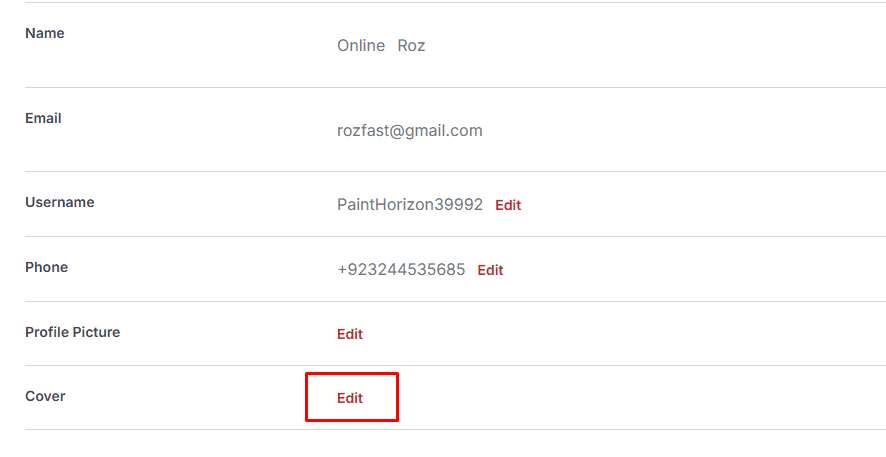
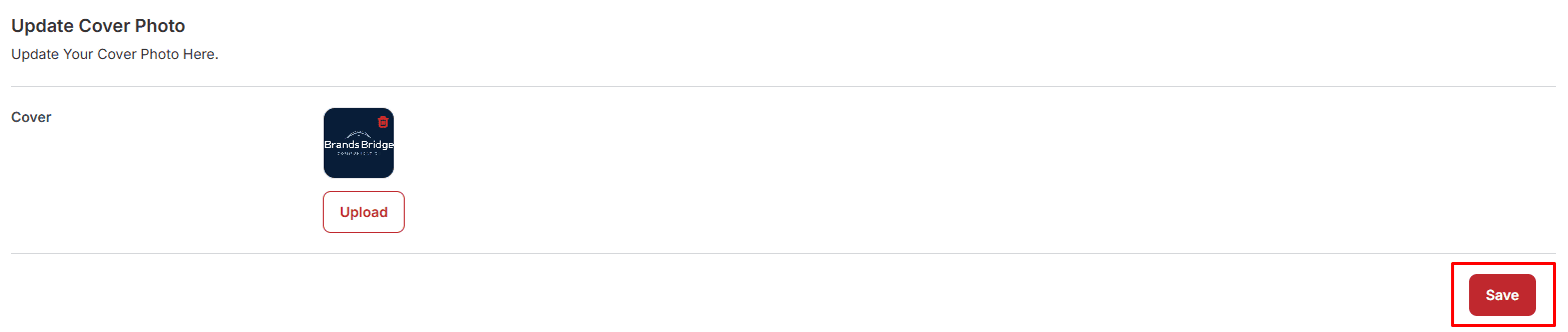
1. Go to profile tab and then scroll down to the cover photo and click on "Edit" button.
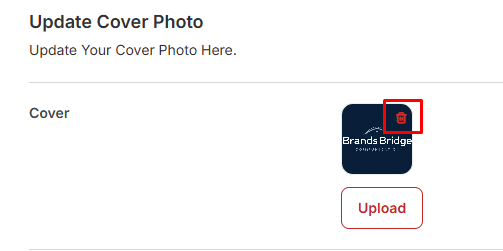
2. Click on "Trash" button to delete if there's any cover already exist.
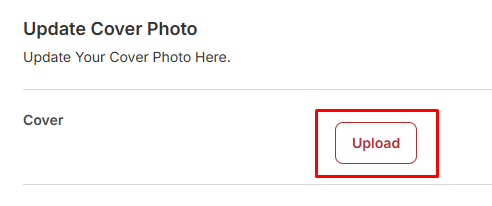
3. Click one "Upload" button to upload the cover photo.
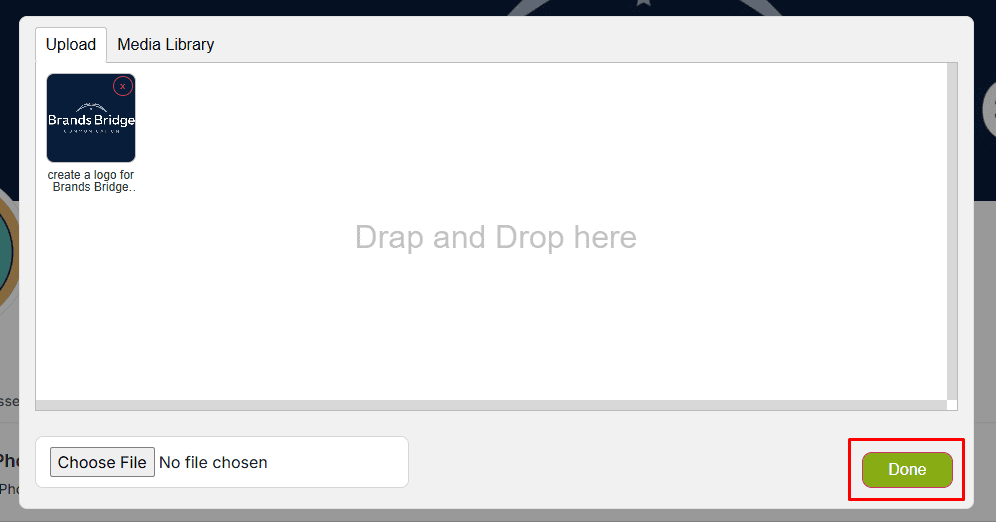
4. Click on "Done" button to upload profile picture.
5. Click on "Save" button to add cover photo.
Join our Discord channel or follow us on Twitter to keep up to date with our latest work and announcements.
Quick Link
Community
Copyright © 2025 Zicoart All Rights Reserved.